
No management system.
No record for Sales revenue, no invoices, no inventory management system.
Cannot manage customers to increase or maintain orders.
No salesforce system.
The business is only able to operate Offline, with risk by the pandemic.
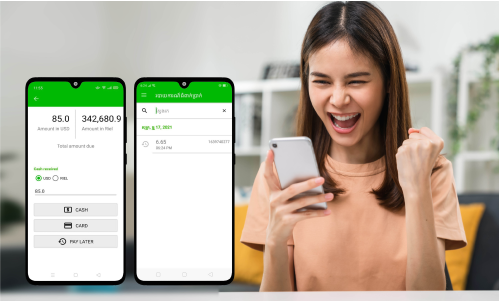
ePOS is the social contribution platform, that was established to empower the M-SMEs and especially the micro-business by digitalizing and transforming the micro business or family business to the Digital World and eCommerce, to double sales revenue and improve people living standards.

We do the business with the purpose to create freedom for lives, but obviously, things are not as we thought, because when the business is still small, it’s difficult to grow, when the business grows, it’s difficult to manage and finally life is stressful and pressured, to think about technology is more stressful because:
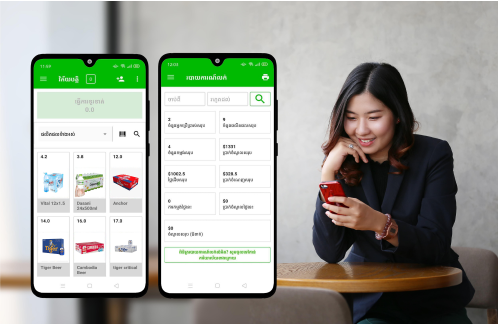
Seeing this problem, that’s why we created the ePOS system, if you ask me if ePOS is difficult to use? You can ask yourself; do you know how to use Facebook? Because ePOS is as easy to use as Facebook.
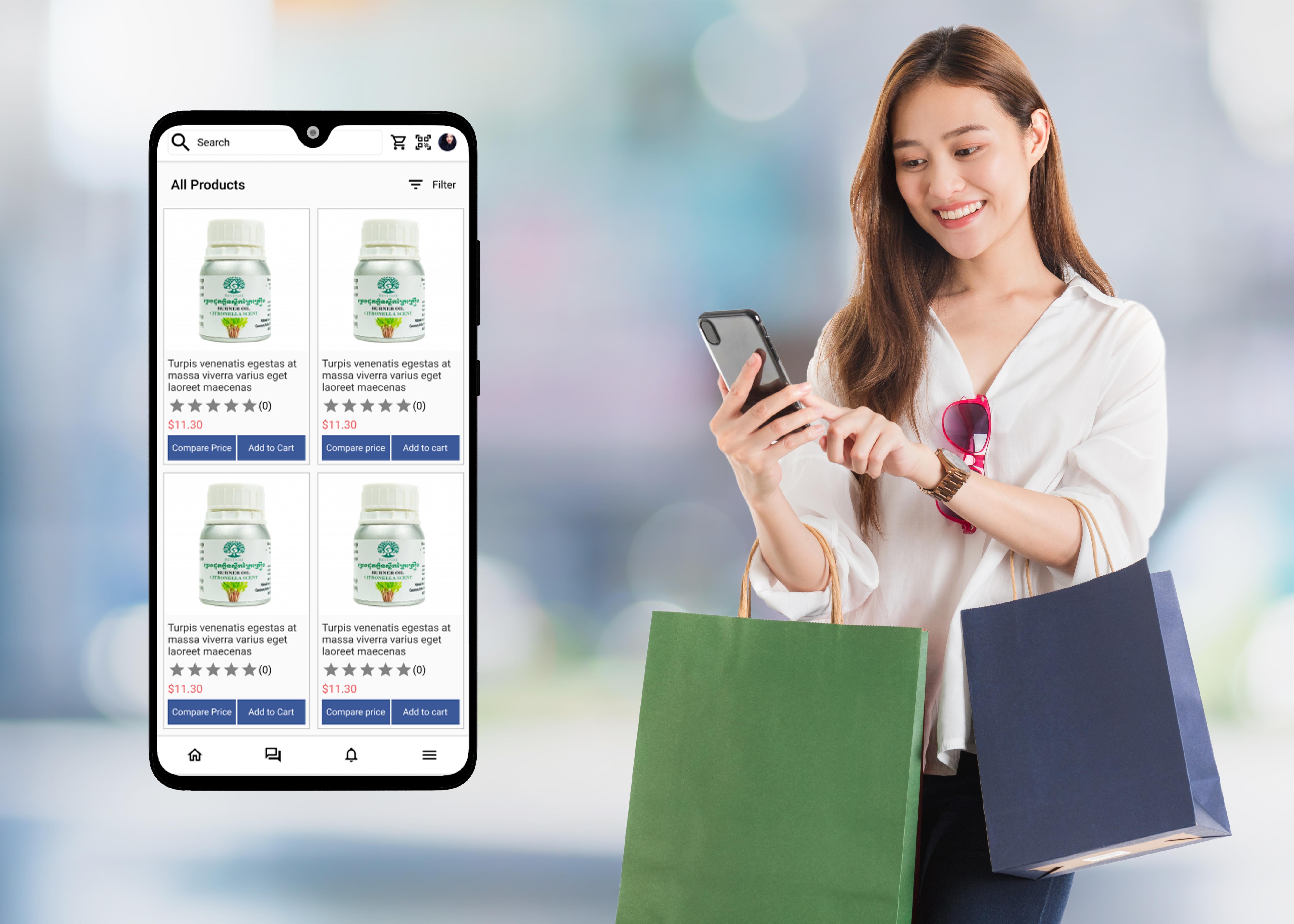
To boost your sales, we have created a digital marketplace for Cambodians who are looking for all kinds of products and making quick and easy orders through their smartphones, called the eMarketplace app, or Global Market.
Go to PlayStore, type \"ePOS Go Digital\" in the search box, and download the app.
Register your account with email or phone number.
Select a business package or click on “I want to use for free” if you want to use it for free.
Fill up your store or business information.
Adding “products” into the ePOS system.
And start selling.
Turn your smartphone into powerful point of sale.



It takes only a few step to upgrade your business to the next level.
There is two way do add your product into the ePOS terminal. In ePOS App: Directly create a product with ePOS App (Advisable for a single store or Micro Business Account).
In Riich Business App: Riich business app is designed as the back-end for the M-SMEs business owner to manage businesses via smartphone, it is developed with a robust system with all-in-one features, where business owners can turn a smartphone into a business management device.
It takes only a few steps to create your ePOS account.
We accepted ABA payment, Visa, Master Card, and Union Pay) and the payment must be in App payment.
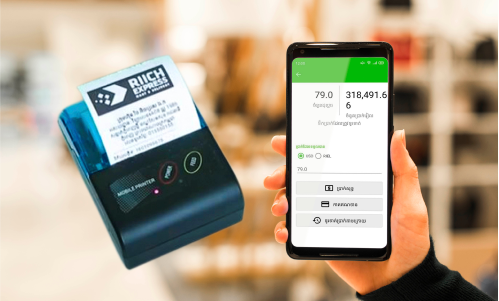
To connect the blue-tooth printer, please follow below steps:
After pairing the device
To customize your receipt, and enjoy the use of the complete feature for the M-SMEs, please go to Business App.
To manage the multi-store, please go to Riich Business App.
To add and manage staff, please go to Riich Business App.
To check the detailed sales report and product performance, please go to Riich Business App.
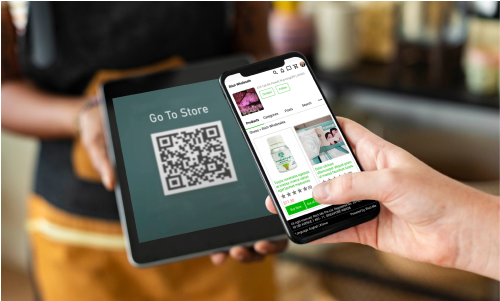
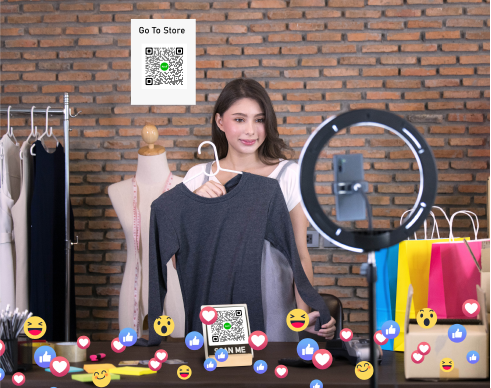
The eCommerce will be created automatically when you sign up an account with the ePOS App and generated a store QR Code in your profile menu, to find your eCommerce store, just simply click on:
With our business eCo-system, we don’t recommend you to print a lot of receipts whereby you should use digital receipt and send them to your customer automatically after payment. However, if you are looking for hardware, please click here for details